PH
PHlieyhangeles
Fanatic
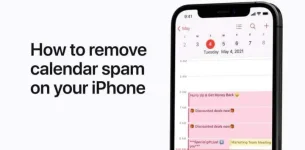
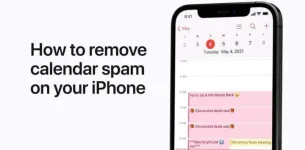
If you are getting unwanted event invitations on your iphone, you might have accidentally subscribe to a SPAM CALENDAR.
To delete this SPAM:
That’s it! You’ll no longer be subscribe and all of the event in the spam calendar will be deleted.
To delete this SPAM:
- Make sure that you're using the latest version of iOS.
- Open the Calendars app.
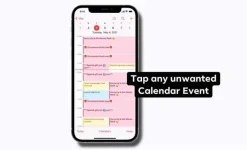
- Tap the unwanted Calendar event.
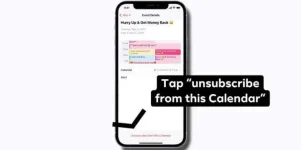
- Tap Unsubscribe from this Calendar at the bottom of the screen.
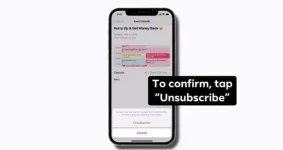
- To confirm, tap Unsubscribe.
That’s it! You’ll no longer be subscribe and all of the event in the spam calendar will be deleted.