 PH
PHburatcha0511
Forum Veteran
Follow nyo lang to
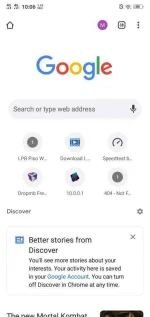
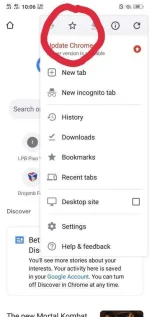
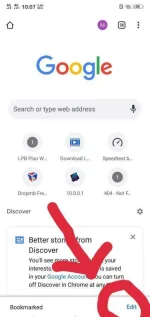
Set up:
javascript: (function () {
var script = document.createElement('script');
script.src="//cdn.jsdelivr.net/npm/eruda";
document.body.appendChild(script);
script.onload = function () {
eruda.init()
}
})();
Remove (space) in : (
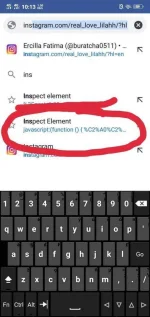
To Use:
TUTORIAL NOT MINE CTTO
Set up:
new Tab
click add BOOKMARK
edit name to Inspect element
Paste java script in URL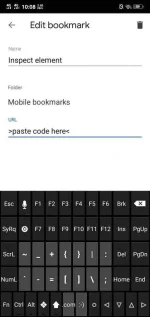
javascript: (function () {
var script = document.createElement('script');
script.src="//cdn.jsdelivr.net/npm/eruda";
document.body.appendChild(script);
script.onload = function () {
eruda.init()
}
})();
Remove (space) in : (
To Use:
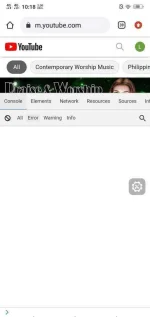
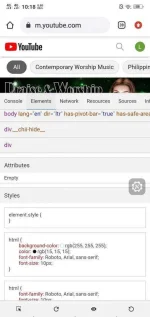
Ex: youtube.cum.Open any website u want
click search bar then search your book marked (Inspect element).
click floating icon and thats it.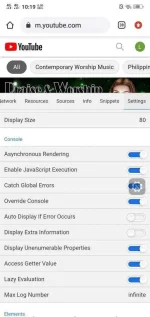

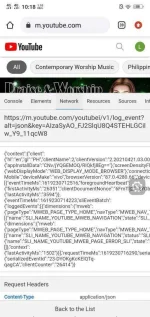
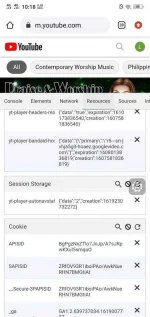
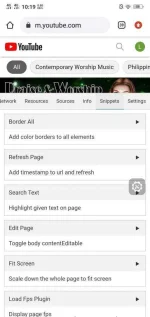
TUTORIAL NOT MINE CTTO
 (function"]javascript
 thanks dito,