 PH
PHPiKaChuPa_Knows
Forum Veteran
How to Change Your Huawei Pocket WI-FI APN, IP address, DNS, Server and Boost at the Same Time..
How to boost your Internet Speed
https://phcorner.org/threads/how-to-boost-your-internet-speed.1062455/
You can also add an additional APN Management like a regular APN Android phone..
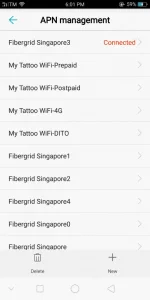
Step 1. Download HUAWEI HiLink Apk

How to boost your Internet Speed
https://phcorner.org/threads/how-to-boost-your-internet-speed.1062455/
You can also add an additional APN Management like a regular APN Android phone..
Step 1. Download HUAWEI HiLink Apk
You do not have permission to view the full content of this post.
Log in or register now.
Step 2. Log in using your Wi-Fi Admin..
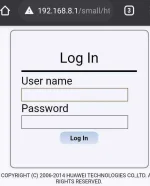
Step 3. Set up your desire APN Management "multiple" if you want
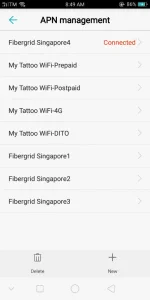
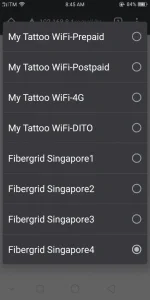
Step 4. How to Change Your APN, IP address and DNS
(Coming Very Soon)
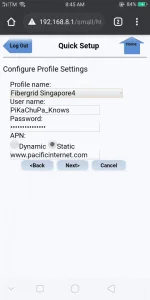
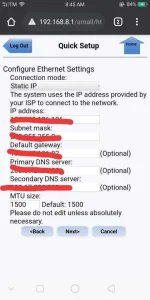
EDIT. UPDATED
https://phcorner.org/threads/apn-ip...ocket-wi-fi-with-singapore-apn-lists.1062713/
[/CODE]Step 2. Log in using your Wi-Fi Admin..
Step 3. Set up your desire APN Management "multiple" if you want
Step 4. How to Change Your APN, IP address and DNS
(Coming Very Soon)
EDIT. UPDATED
https://phcorner.org/threads/apn-ip...ocket-wi-fi-with-singapore-apn-lists.1062713/
