[XX='Palmeras, c: 1028140, m: 749074'][/XX] actually, halos same lang din ang procedure mo and sakin. since need parin gamitan ng soft erasure brush yung sa photo filter and konting opacity adjustments din haha.
[XX='KillerEyes01, c: 1028153, m: 1722250'][/XX]
Di rin ako masyado gamay regarding the right color picking, kaya most of the time binebase ko nalang sa color palette na nandun na mismo sa image yung kulay.
[XX='KillerEyes01, c: 1028301, m: 1722250'][/XX] Yun din talaga ang pinroblema ko nung nang papractice pa ako mag edit. Yung gusto mo maging outcome is na mag blend ng maigi ang mga edits mo kahit na simple lang sya. kaya nag practice practice ako thru anime render png characters tas be blend ko sa mga anime'ish backgrounds.
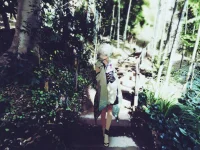
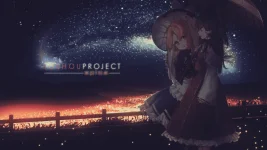
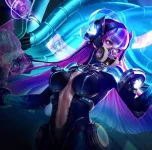
here are some of the samples i have made while practicing. although credits parin sa original artists nung background and characters.
 PH
PH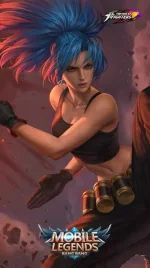
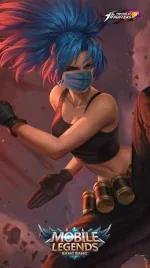
 eto po last na po talaga pasensya na po hehe