PH
PH$ ZPAY DISTRIBUTION
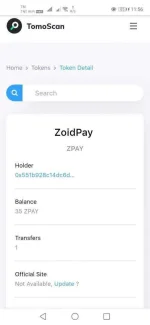
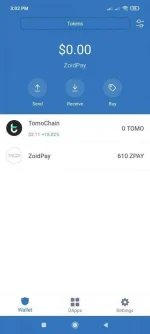
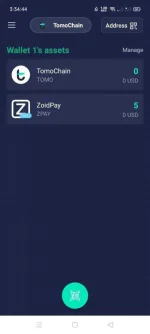
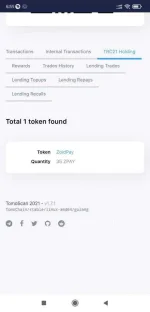
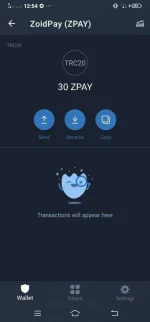
 For those who joined ZoidPay event, please follow these steps so that your ZPAY token balance will appear in your Wallet.
 Step by step:
 Make sure you back up 12 pharses from the ZoidPay app
 Open the TrustWallet application
 Click "ImportWallet"
 Swipe down then select "TomoChain"
 Paste / Paste 12 Pharse from the ZoidPay app
 Please "Add Custom Token" like this
 ZPAY Smart Contract: 0xe1a9a5fae06696d314994a9d6915c12a63ad055d
Token name: ZoidPay
Symbol: ZPAY
Decimal: 18
Done
‼ ️Additional: If your ZPAY token doesn't appear, please be patient. Because there are still 95k Tx / Distribution Process which can take up to ± 5 days.
For those who joined ZoidPay event, please follow these steps so that your ZPAY token balance will appear in your Wallet. Step by step: Make sure you back up 12 pharses from the ZoidPay app Open the TrustWallet application Click "ImportWallet" Swipe down then select "TomoChain" Paste / Paste 12 Pharse from the ZoidPay appPlease "Add Custom Token" like this ZPAY Smart Contract: 0xe1a9a5fae06696d314994a9d6915c12a63ad055d Token name: ZoidPay Symbol: ZPAY Decimal: 18Done
‼ ️Additional: If your ZPAY token doesn't appear, please be patient. Because there are still 95k Tx / Distribution Process which can take up to ± 5 days.