How do I initiate BIOS Recovery on a Dell desktop or all-in-one computer?
Restart the computer.
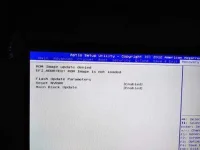
Press and hold the CTRL key + ESC key on the keyboard until the BIOS Recovery page appears.
On the BIOS Recovery screen, select Reset NVRAM (if available) and press the Enter key. Select Disabled and press the Enter key to save the current BIOS settings.
Select Recover BIOS and press the Enter key to start the recovery process. Psycho tsundere
 PH
PH