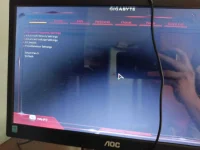
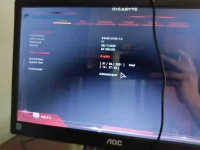
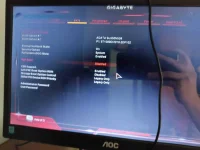
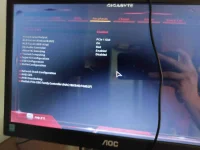
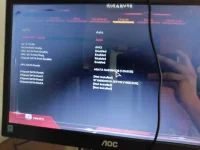
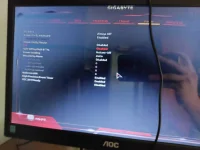
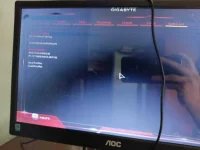
🔒 Closed Pano macheck kung nababasa ng mobo yung RAM??

Status
Not open for further replies.

AsphyXia--

Forum Guru
Sorry po newbie lang sa pag build. Nasa BIOS na po ako. San banda machecheck yung RAM?
IMG_20210106_145648.webp

IMG_20210106_145649.webp


IMG_20210106_145650.webp

IMG_20210106_145651.webp

IMG_20210106_145652.webp

IMG_20210106_145653.webp

IMG_20210106_145654.webp
 
To determine if your motherboard is “seeing” all of your RAM, enter your computer's BIOS. To do so, restart your computer and press the key that appears on your screen while booting (often Delete or F2). Locate the system information section and look for information on the amount of RAM in your computer.
 
Status
Not open for further replies.

About this Thread

  • 12
    Replies
  • 409
    Views
  • 7
    Participants
Last reply from:
AsphyXia--

Trending Topics

Online now

Members online
1,107
Guests online
906
Total visitors
2,013

Forum statistics

Threads
2,277,021
Posts
28,973,765
Members
1,229,687
Latest member
gsby1440xd
Back
Top