PH
PHTidal Downloader Web
Next Generation Downloader for Tidal
Next Generation Downloader for Tidal
You do not have permission to view the full content of this post. Log in or register now.
Requirement: need active Tidal Subscription eg. Individual Plans, Family, etc. to be able download.
Disclaimer: Tidal Downloader Web is intended strictly for private use and requires an active Tidal-HiFi subscription; users are prohibited from engaging in music piracy or distribution and are responsible for ensuring compliance with all applicable local laws.
Disclaimer: Tidal Downloader Web is intended strictly for private use and requires an active Tidal-HiFi subscription; users are prohibited from engaging in music piracy or distribution and are responsible for ensuring compliance with all applicable local laws.
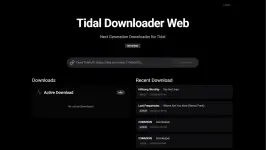
USAGE:
On your browser start Login Process > click Start Device Login

click Open Login Page
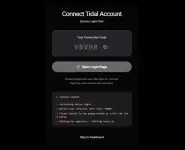
Begin Login Process
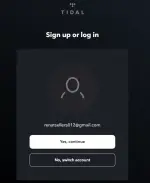
now go back to "You do not have permission to view the full content of this post. Log in or register now." tab
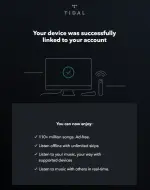
now your connected you Tidal Account, you can start your download.
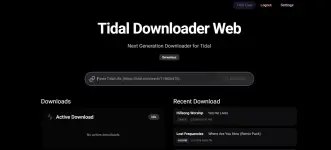
Paste Track/Album/Or Playlist URL, and click Download



now, wait for your download to complete. that's it.
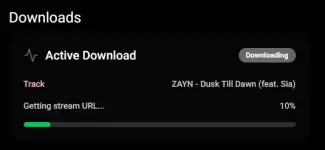
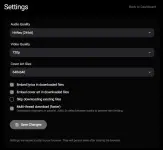
Configure your Tidal Downloader Web, in Settings Page