PH
PHWhat spotDL does
- Downloads music from YouTube as an MP3 file
- Applies basic metadata gathered from Spotify such as:
- Track Name
- Track Number
- Album
- Album Cover
- Genre
- and more!
Prerequisites
- Python 3.6.1 or above (added to PATH)
- FFmpeg 4.2 or above (added to PATH)
Installation
You do not have permission to view the full content of this post. Log in or register now.
Where to find the downloaded songs
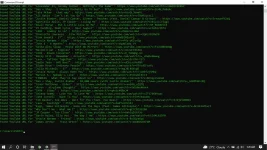
- Wait for your download to be completed
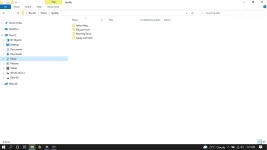
- To find your downloaded songs, go to > file explorer > this computer > drive where you installed your OS>user> name of user
example directory (in my case) : C:\Users\XYRTZ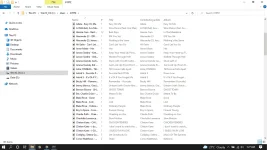
- move (cut and paste) the downloaded song to your preferred folder (Ideally on the same drive where you downloaded your OS)
example directory (in my case) : C:\Users\XYRTZ\Music\Spotify