 PH
PHPHC- Naksu
Elite
If you don't have yet the cookies editor
1. Open Chome browser
2. Copy and paste this You do not have permission to view the full content of this post. Log in or register now.
3. Click the "add to chrome", it should be like this (image below) after you added the extension

4. then go now to Netflix Link then click the extension icon beside the address bar
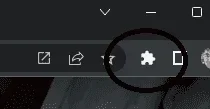
5. Then select cookies editor then clear out the recent cookies
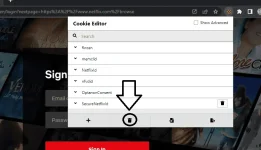
6. Cick now the import cookies icon
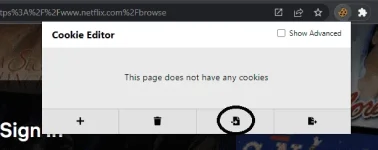
7. Copy paste the cookie text content from your source link then click the import icon
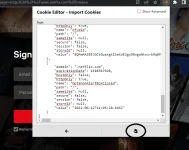
8. Then refresh the netflix webpage, it should appear like this
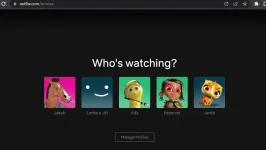
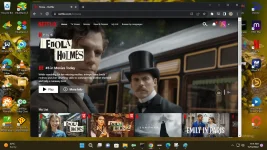
9. Success! You can now watch netflix in your browser.
Just a hint: as long nkapasok n kyo from your logins s premium ng may ari ng account you can do export s cookies editor (open notepad and paste lang) in case bigla ka sipain sa account using the export cookies n napaste s clipboard mo
1. Open Chome browser
2. Copy and paste this You do not have permission to view the full content of this post. Log in or register now.
3. Click the "add to chrome", it should be like this (image below) after you added the extension
4. then go now to Netflix Link then click the extension icon beside the address bar
5. Then select cookies editor then clear out the recent cookies
6. Cick now the import cookies icon
7. Copy paste the cookie text content from your source link then click the import icon
8. Then refresh the netflix webpage, it should appear like this
9. Success! You can now watch netflix in your browser.
Just a hint: as long nkapasok n kyo from your logins s premium ng may ari ng account you can do export s cookies editor (open notepad and paste lang) in case bigla ka sipain sa account using the export cookies n napaste s clipboard mo


