 PH
PHIf you are looking for a FREE pgsql server with a decently large capacity (256mb), this guide is for you. This is particularly useful for students or small projects.
2. Once you have an account (and verified via email), you may now login → You do not have permission to view the full content of this post. Log in or register now.
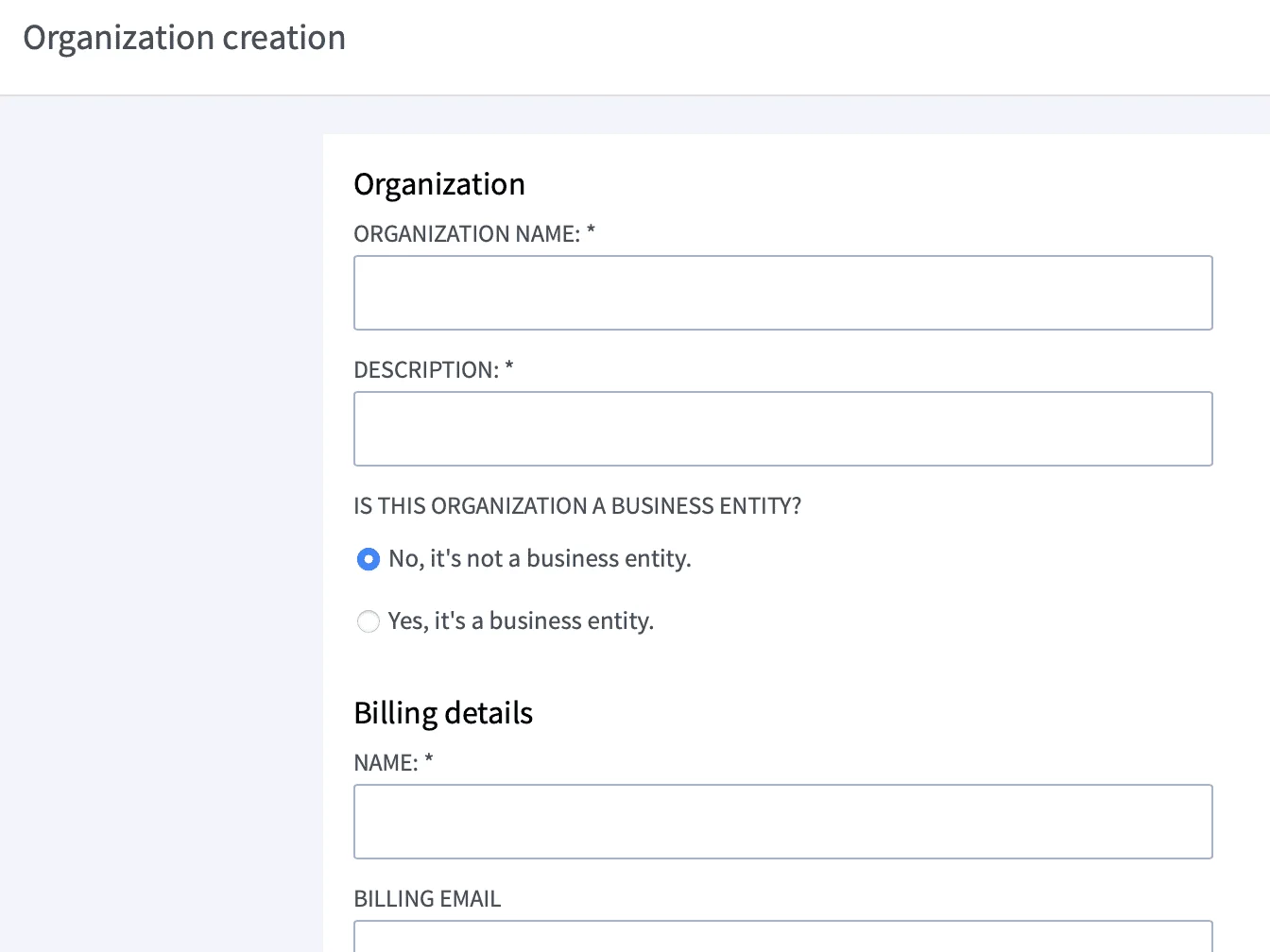
3. On their dashboard, the first thing you need to do is to create your "organization" which is kinda like your workspace just to group things better.
Click the "Add an organiztion" link at the left navigation.

4. Once you have finished creating your organization, go ahead and select it on the left navigation. You will see something like this:
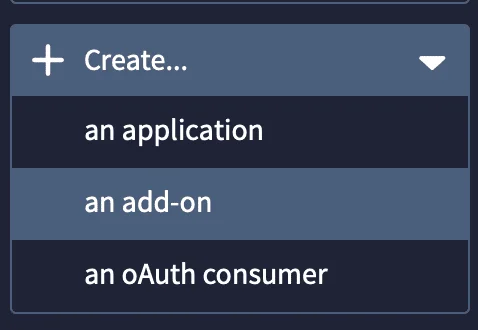
You can then select Create... → an add-on.
5. From the add-on options, you can then choose PostgreSQL from the available options.
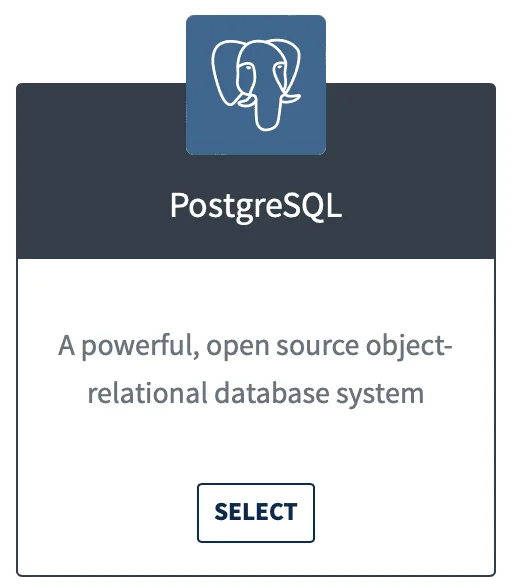
There are other options available like MySQL if you want but that one only has a 10mb max capacity offered. So we take advantage of their PostgreSQL offer instead.

As you can see, the DEV plan is absolutely free and that whopping 256mb size.
From here on, follow the next on-screen instructions like selecting a region (which doesn't matter that much) and etc.
6. Once your database has been created, you can now select it on the navigation on the left to see its database connection credentials.
7. Enjoy!
Instructions:
1. Create an account at → You do not have permission to view the full content of this post. Log in or register now.2. Once you have an account (and verified via email), you may now login → You do not have permission to view the full content of this post. Log in or register now.
3. On their dashboard, the first thing you need to do is to create your "organization" which is kinda like your workspace just to group things better.
Click the "Add an organiztion" link at the left navigation.
4. Once you have finished creating your organization, go ahead and select it on the left navigation. You will see something like this:
You can then select Create... → an add-on.
5. From the add-on options, you can then choose PostgreSQL from the available options.
There are other options available like MySQL if you want but that one only has a 10mb max capacity offered. So we take advantage of their PostgreSQL offer instead.
As you can see, the DEV plan is absolutely free and that whopping 256mb size.
From here on, follow the next on-screen instructions like selecting a region (which doesn't matter that much) and etc.
6. Once your database has been created, you can now select it on the navigation on the left to see its database connection credentials.
7. Enjoy!