PH
PHDahil nandito ka sa thread ko magbasa ka muna  .
.
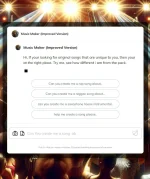
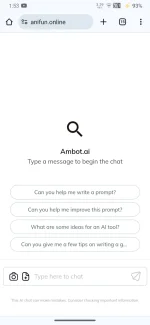
Gusto mong matuto gumawa ng Web chat AI tulad nito Free Web Chat Ai
sa baba ang full tutorial.
Ang tutorial na ito ay para lamang sa mga newbie at nais matutong gumawa ng own web chat AI like Chat GPT. Ngayon kung ikaw ay experto na hindi ito para sayo, Thank you.
1: Registration & api creation
This is free hosting
2: Hosting Registration & Domain creation
3: index.html editing
Step 1: Reg & creating api You do not have permission to view the full content of this post.
Log in or register now.

Step 2:
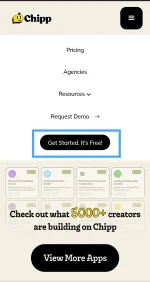
Step 3:
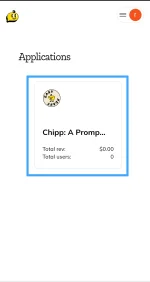
Step 4: Create api name
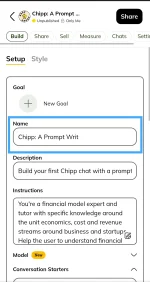
Step 4.5:
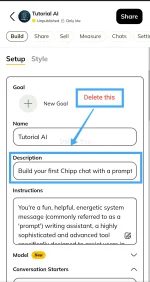
Step 5:
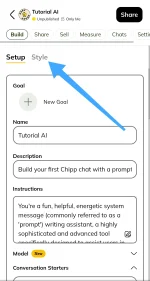
Step 6: Change logo and color
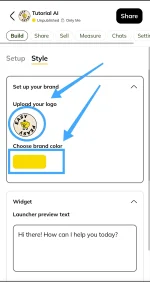
Step 7:
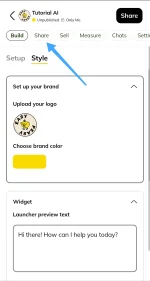
Step 8:
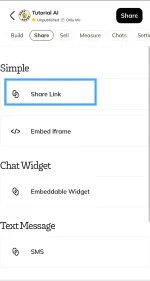
Step 9: Copy and paste in your browser
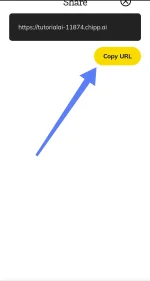
Result of your api URL
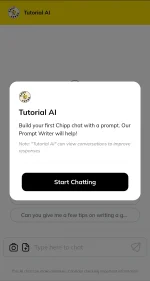
Hiding header & brand logo
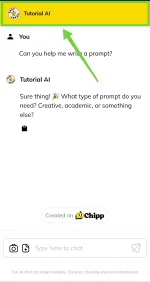
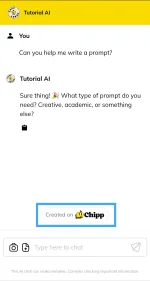
Step 1: Lets reg a free You do not have permission to view the full content of this post.
Log in or register now. first

Step 2: after reg this the result
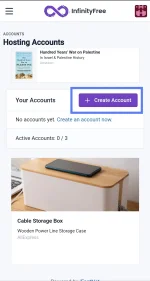
Step 3:
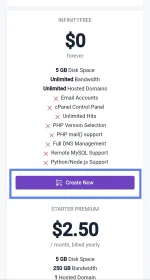
Step 4: Create your subdomain name
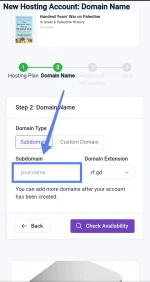
Step 5:
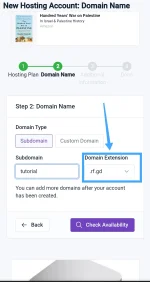
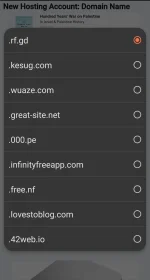
Choose Domain extension (optional)
Step 7:
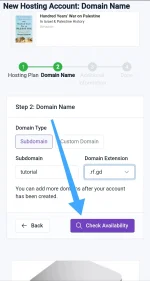
Step 8: Set Account Label
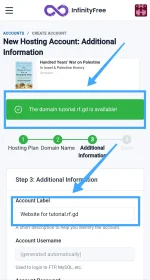
Step 9:
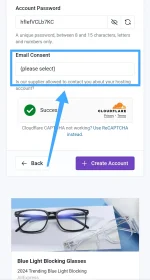
Step 10:
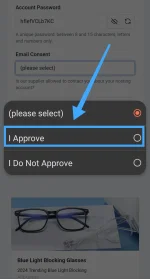
Step 11:
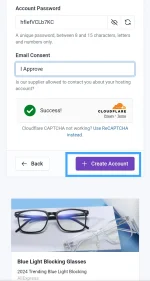
Step 12:
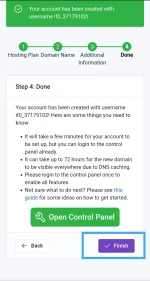
Wait until finish
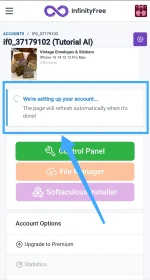
Step 13: Check your domain
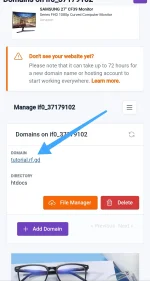

Step 14:
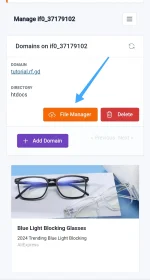
Step 15:
delete 2 files, tap first and long tap.
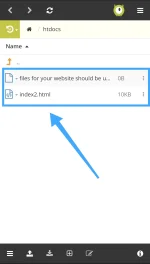
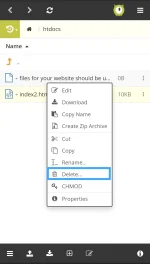
Step 16:
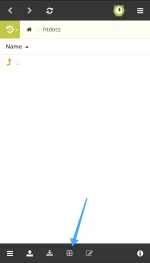
Step 17:
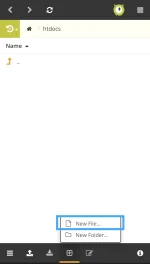
Step 18: recommended name index.html
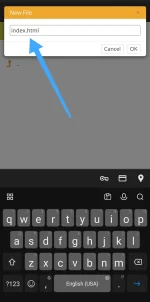
Step 19:
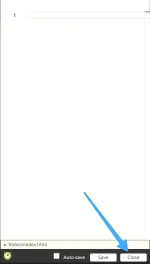
Step 20:
Open this You do not have permission to view the full content of this post.
Log in or register now.
Step 21: Change name & api You do not have permission to view the full content of this post.
Log in or register now.
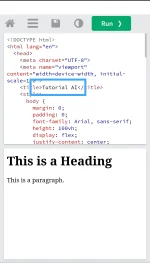
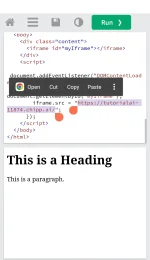
Step 21:
Back to your hosting & edit your file
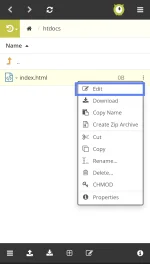
Step 22:
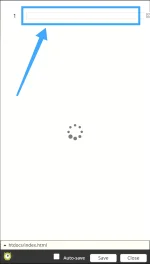
Step 23:
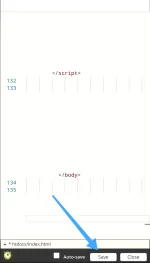
Web chat AI result
Click here You do not have permission to view the full content of this post.
Log in or register now.
.Gusto mong matuto gumawa ng Web chat AI tulad nito
Free Web Chat Aisa baba ang full tutorial.
Ang tutorial na ito ay para lamang sa mga newbie at nais matutong gumawa ng own web chat AI like Chat GPT. Ngayon kung ikaw ay experto na hindi ito para sayo, Thank you.
1: Registration & api creation
This is free hosting
2: Hosting Registration & Domain creation
3: index.html editing
Step 1: Reg & creating api
You do not have permission to view the full content of this post.
Log in or register now.Step 2:
Step 3:
Step 4: Create api name
Step 4.5:
Step 5:
Step 6: Change logo and color
Step 7:
Step 8:
Step 9: Copy and paste in your browser
Result of your api URL
Hiding header & brand logo
Step 1: Lets reg a free
You do not have permission to view the full content of this post.
Log in or register now. firstStep 2: after reg this the result
Step 3:
Step 4: Create your subdomain name
Step 5:
Choose Domain extension (optional)
Step 7:
Step 8: Set Account Label
Step 9:
Step 10:
Step 11:
Step 12:
Wait until finish
Step 13: Check your domain
Step 14:
Step 15:
delete 2 files, tap first and long tap.
Step 16:
Step 17:
Step 18: recommended name index.html
Step 19:
Step 20:
Open this
You do not have permission to view the full content of this post.
Log in or register now.Step 21: Change name & api
You do not have permission to view the full content of this post.
Log in or register now.Step 21:
Back to your hosting & edit your file
Step 22:
Step 23:
Web chat AI result
Click here
You do not have permission to view the full content of this post.
Log in or register now.
 Thank you