 PH
PHopen browser, open sscap any version... open CE...
select a process to open, select browser at a top position,then open...
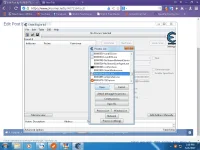
enable speedhäçk, adjust to 10, then apply
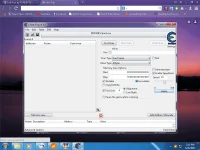
again, select a process to open, select sscap, then open...
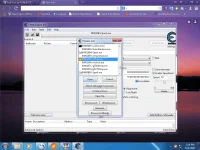
enable speedhäçk, adjust to 2, then apply...
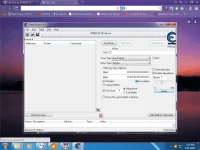
that's it... then try to browse...
depende sa type mo...
mag experiment ka kung itataas mo pa ang value...


![Screenshot_2017-06-18-18-03-22[1].webp](https://data.phcorner.org/attachments/12501/12501664-3042067e0724f00c8ad9442371be24f6.jpg?hash=dWkRTwZHhK "Screenshot_2017-06-18-18-03-22[1].webp")
![Screenshot_2017-06-18-18-09-21[1].webp](https://data.phcorner.org/attachments/12911/12911327-65aaa53d0cfa5e81a117f96552fa709f.jpg?hash=oto2PkbWoE "Screenshot_2017-06-18-18-09-21[1].webp")
![Screenshot_2017-06-18-18-09-29[1].webp](https://data.phcorner.org/attachments/12501/12501666-e4883bb2aa4e82076ce3b38b96cc5daf.jpg?hash=oX1r2G-tCQ "Screenshot_2017-06-18-18-09-29[1].webp")