PH
PHDark_ANGEL0
Forum Expert
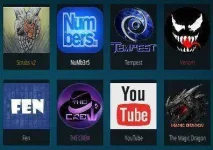
K0di-v18.5 Leia-ARM32&64.apk
Smart Android phone and Smart Android TV
TOP BEST WORKING KODI Add-ons List [January] 2020
You do not have permission to view the full content of this post. Log in or register now.
How to INSTALL ADD-ONS in KODI..
Sample natin yung
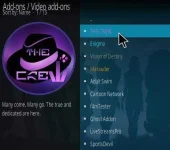
The Crew Kodi Addon

How To Install The Crew Kodi Addon
At the top left click the System Settings Icon
Click the System.. Scroll down.. Highlights Addons.. Wag po i-click ..
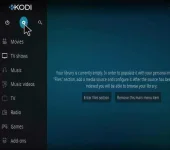
Toggle on "unknown sources
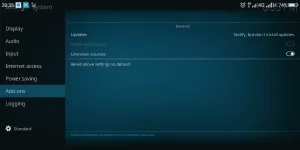
Back to Systen Setting..
Click File Manager
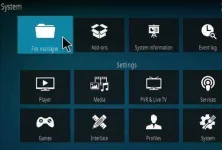
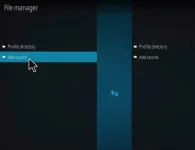
On the left click Add Source
Click where it says NONE
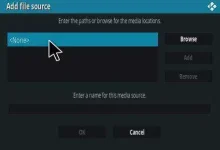
Type in the URL: You do not have permission to view the full content of this post. Log in or register now.
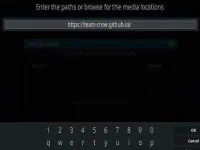
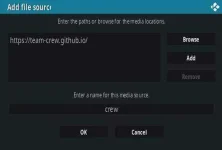
In the next box down name it crew and click OK.. Pwede rin kahit ano kayo na bahala..
Double check everything is correct and click OK
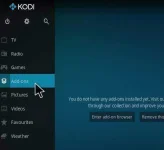
Go back to the main menu and click Add-ons
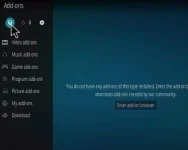
Click the Add-on Package Installer Icon at the top left
Click Install from zip file
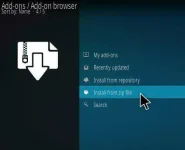
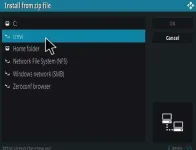
A box will pop open select crew.. Or yung name na ipinangalan nuo kanina..
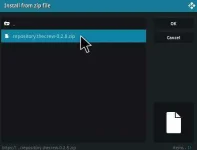
Click repository.thecrew-0.2.8.zip
Wait for the Repository to download and popup at the top right and say Repo Installed
Click Install from repository
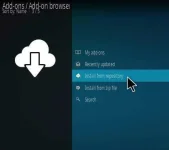
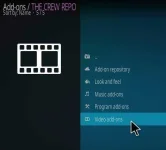
Click The Crew Repo
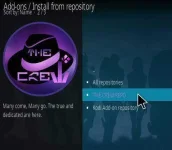
Select Video Add-ons
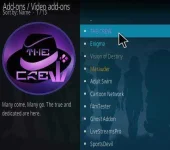
Click The Crew
Click Install
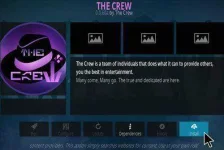
A box will popup showing all the dependencies and add-ons that will be installed Click OK
Kung gusto nyo naman mag install ng kodi wizard with different build para magmukhang cool ang dating ng kodi nyo try to follow the tut on this video tutorials
Start watching at You do not have permission to view the full content of this post. Log in or register now. kasi pang Smart Tv yung unang tut..
NOTE: Wag na po gamitin yung nasa tut na Slamious kasi error na po. Ginamit ko lang itong vid kasi malinaw ang step by step nya..
Try nyo po yung URL ng the CREW, maraming mga magagandang build na pagpipilian. Try nyo din iba pang repo na nasa list ko sa taas..
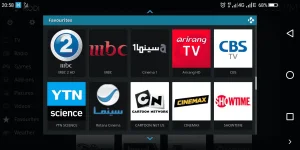
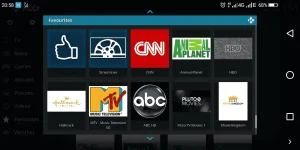
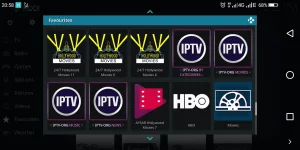
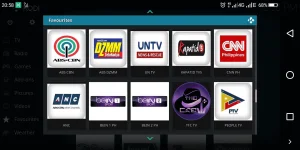
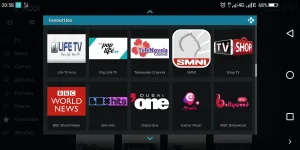
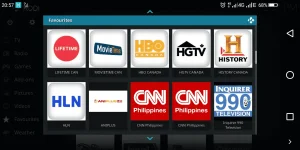
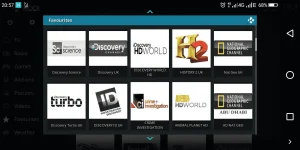
enjoy..Can access hundreds of FREE TV CHANNELS ... See it for your self.